Stop managing floor plan revisions in PDFs, emails, and disconnected tools.
Trazo replaces scattered redlines and version confusion with a single, visual workspace for your design files.


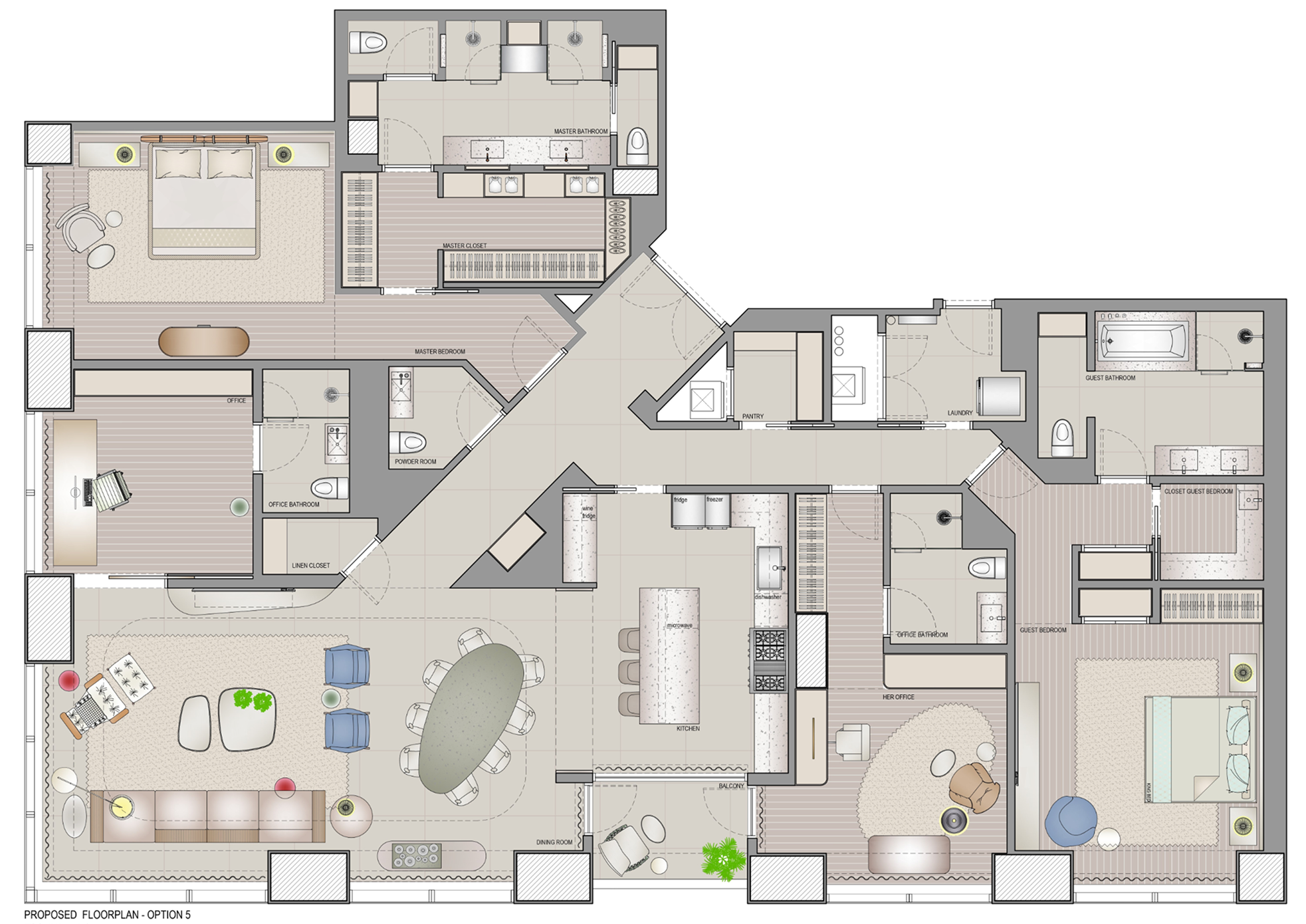


“Trazo saves me at least 30 minutes a day. I spend more time designing instead of juggling markups over email and digging for the right version in cluttered threads.”
Trusted by


Built for teams that redline drawings regularly.
If your team revises floor plans, elevations, or shop drawings frequently, Trazo was built for you.
Design file collaboration, finally organized.
Spend less time redlining floorplans. Manage design files, feedback, and versions all in one place. Less rework. Fewer mistakes.
Generic tools are holding your design team back.
PDF and presentation tools make redlining slower, disorganized, and more error-prone. Trazo was built for iterative design work, keeping feedback clear and revisions easy to follow as drawings evolve.
Redlining tools you actually need.
Built specifically for annotations on floor plans and shop drawings.
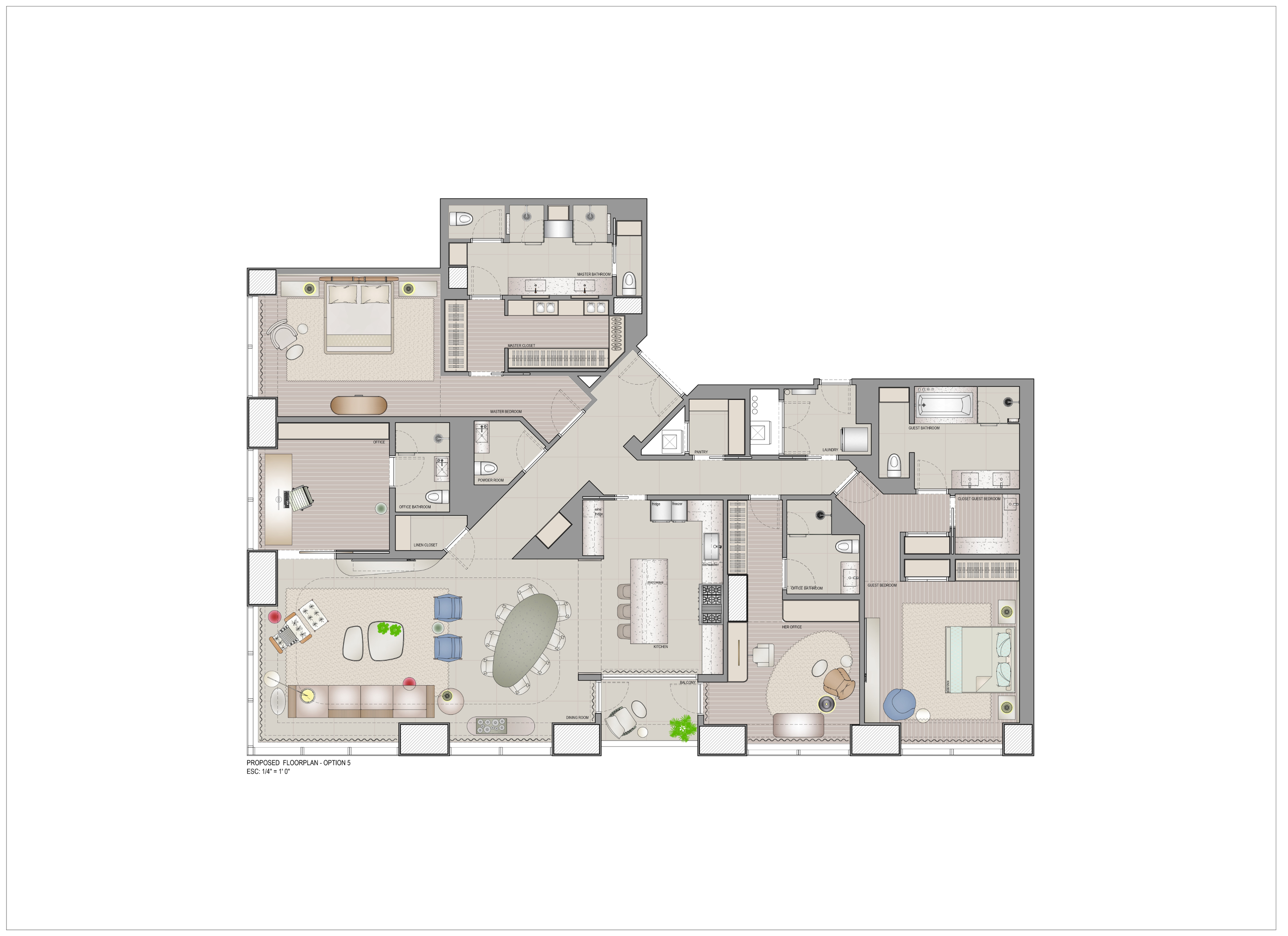
Your Drive and your annotated files, together.
Sync Google Drive or OneDrive once.
Drive Synchronization
Choose a Cloud provider to sync your local files to
Seamless collaboration with clients and partners.
Comments, feedback, and revisions stay anchored to the design.
See what changed in seconds.
Visually compare versions to understand revisions instantly.
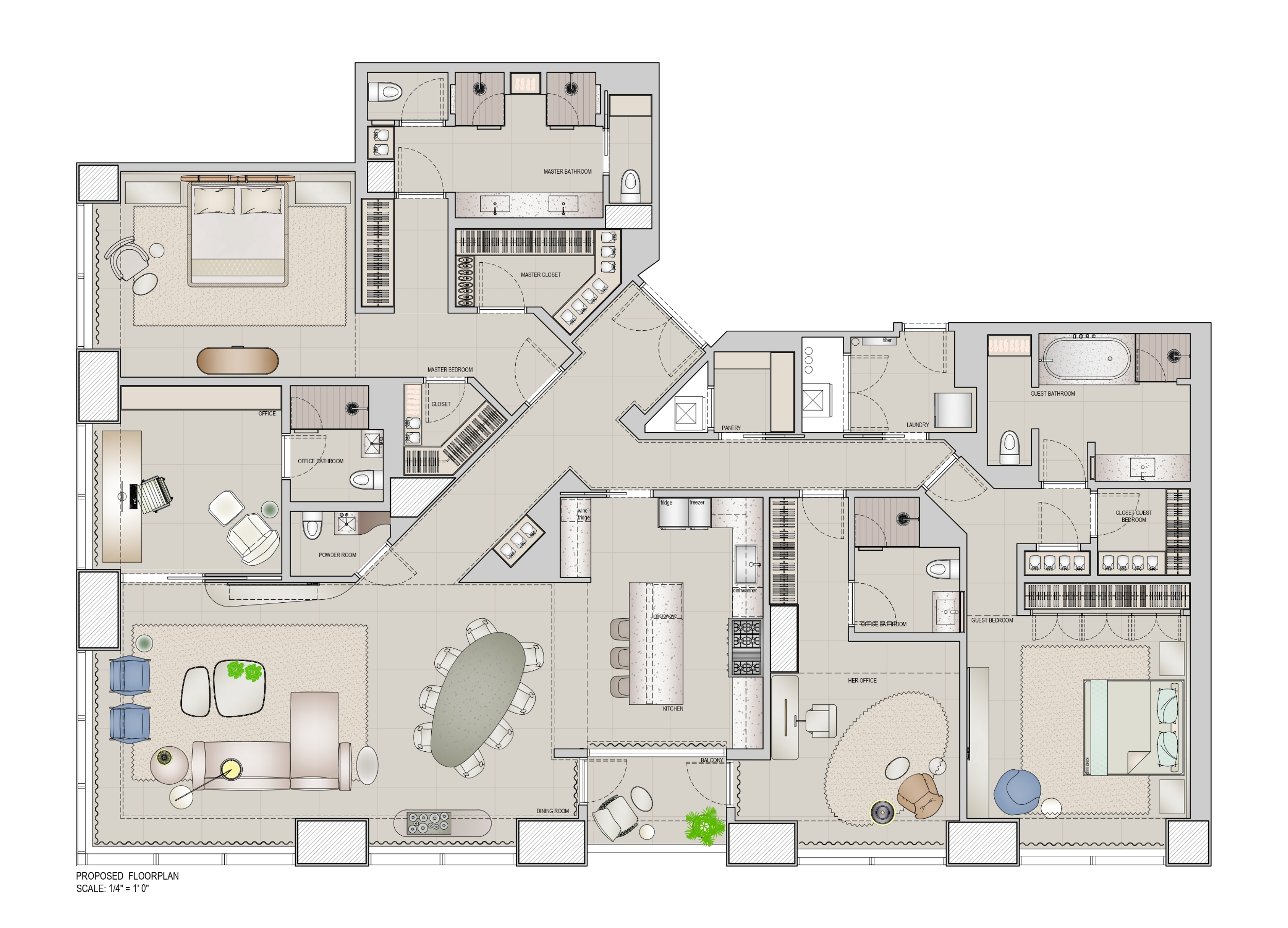
v2
v1
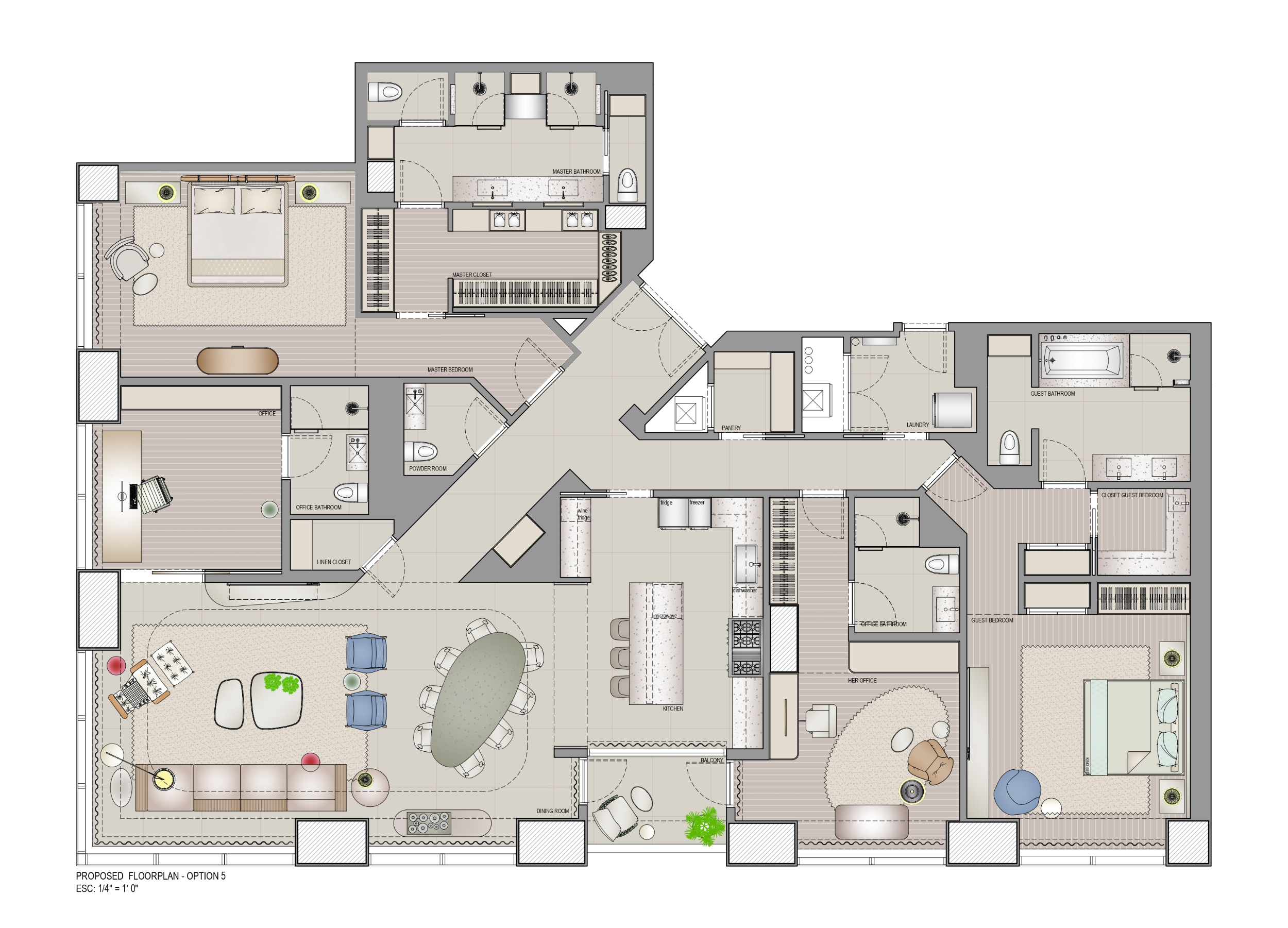
Always know which version is the latest.
One source of truth for every project.
Nov 11
v2
Structural Plan Change

Viewing
Current
Changes
Wall thickness adjusted
Room labels
+2 other changes
Nov 10
v1
Initial Floor Plan Package

Pricing built around your active projects—not your headcount.
Choose the capacity your studio needs today. Every plan includes unlimited team members, collaborators, and clients.
Up to 5 active projects
Equivalent to $40 per active project at full capacity.
Up to 10 active projects
Equivalent to $38 per active project at full capacity.
Up to 20 active projects
Equivalent to $27 per active project at full capacity.
Up to 40 active projects
Equivalent to $24 per active project at full capacity.
Included in every plan
- Unlimited team members
- Unlimited clients and external collaborators
- All drawing-review, task, version, and schedule features
- Archived projects stay viewable and downloadable
This is fixed-capacity pricing, not usage-based billing. Your price changes only when an account owner changes plans.
Managing more than 40 active projects?
We'll help you choose the right capacity and rollout for your practice.
Custom pricing for firms with 41+ active projects. Team members, collaborators, and clients remain unlimited.
What counts as an active project?
A project is active while your team is still reviewing or revising drawings—adding markups, comments, tasks, or new versions with teammates, clients, consultants, or contractors. Once those decisions are no longer changing, archive it. Archived projects remain available to view and download and do not use an active-project slot.
See Trazo working on your own drawings.
Twenty minutes with our founder, walking through your own files and your real workflow.
Monthly plans can be canceled anytime; annual plans are billed upfront for the year.
FAQ
How Trazo helps interior design and architecture firms coordinate projects with more clarity, save time, and deliver a client experience that carries their own brand.
Time & experience
Show the change on the drawing instead of explaining it in a meeting.
Each holds one slice of the job. Trazo attaches all of it to the drawing.
Yes — your logo, and your own colors in the space your clients see.
A visual collaboration and coordination workspace for interior design and architecture firms.
Firms coordinating drawings and decisions across teams, clients, consultants, and suppliers.
Create it, upload the drawings, set the schedule, invite the people.
Curious how this would look with your own drawings? Book a call
How it works day to day
Markup, comments, measurements, voice notes, and screen recordings — all in context.
Upload the new drawing to the same project; the history stays intact.
Project and site schedules that live next to the drawings, not in a separate spreadsheet.
Yes — Google Drive, OneDrive, and Dropbox.
No. Keep authoring in your tools; review PDF drawings here.
On site and on the go
Yes. The mobile app is on the App Store.
Yes. Work offline and it syncs when you reconnect.
Clients, consultants & partners
Yes — and a view-only link opens without an account.
They open a link and land on the right drawing, in context.
Plans & billing
Fixed capacity of active projects — 5, 10, 20, or 40. People are unlimited.
Active while you're still working in it. Archived projects go read-only and free the slot.
Active projects keep working. To open a slot, archive one or move up a plan.
No automatic changes. Activating or archiving a project never moves your price.
20% off monthly, charged upfront for the year.
Not sure which capacity fits your studio?
We'll look at your project volume together and recommend the right plan.
Book a call with our teamOwnership, support & getting started
You do.
Book a call. We set up the workspace with you.
Your next renewal stops; access runs to the end of the paid period.
Want to see how Trazo would work in your firm?
A short call, using examples close to your own workflow, to find where your team can save time and where your clients' experience can improve.
Book a call with our teamStill have questions before we talk?
We'd love to hear from you and are ready to help organize your design workflow. Fill out the form or contact us at support@trazo.design.